Skip to content

Best Image Editing AI tools

90 Image Editing AI tools ranked by our quality score, with pricing and alternatives. See the best AI tools overall.

  1. Pokecut AI Beard RemoverPokecut AI Beard Remover logo
    Image Editing

    Pokecut AI Beard Remover

    Pokecut AI Beard Remover is a free online tool that uses advanced generative AI to remove facial hair from photos naturally. It restores real skin texture and jawline, supports selective removal with a custom brush, and handles all beard types from stubble to full beards. Users can preview a clean-shaven look before shaving, create professional headshots, or have fun with friends. The tool works in seconds, supports high-resolution output up to 4K, and requires no login.

    beard removerno beard filterfacial hair removal+7
  2. AI Image Editor-AI Image Editor- logo
    Image Editing

    AI Image Editor-

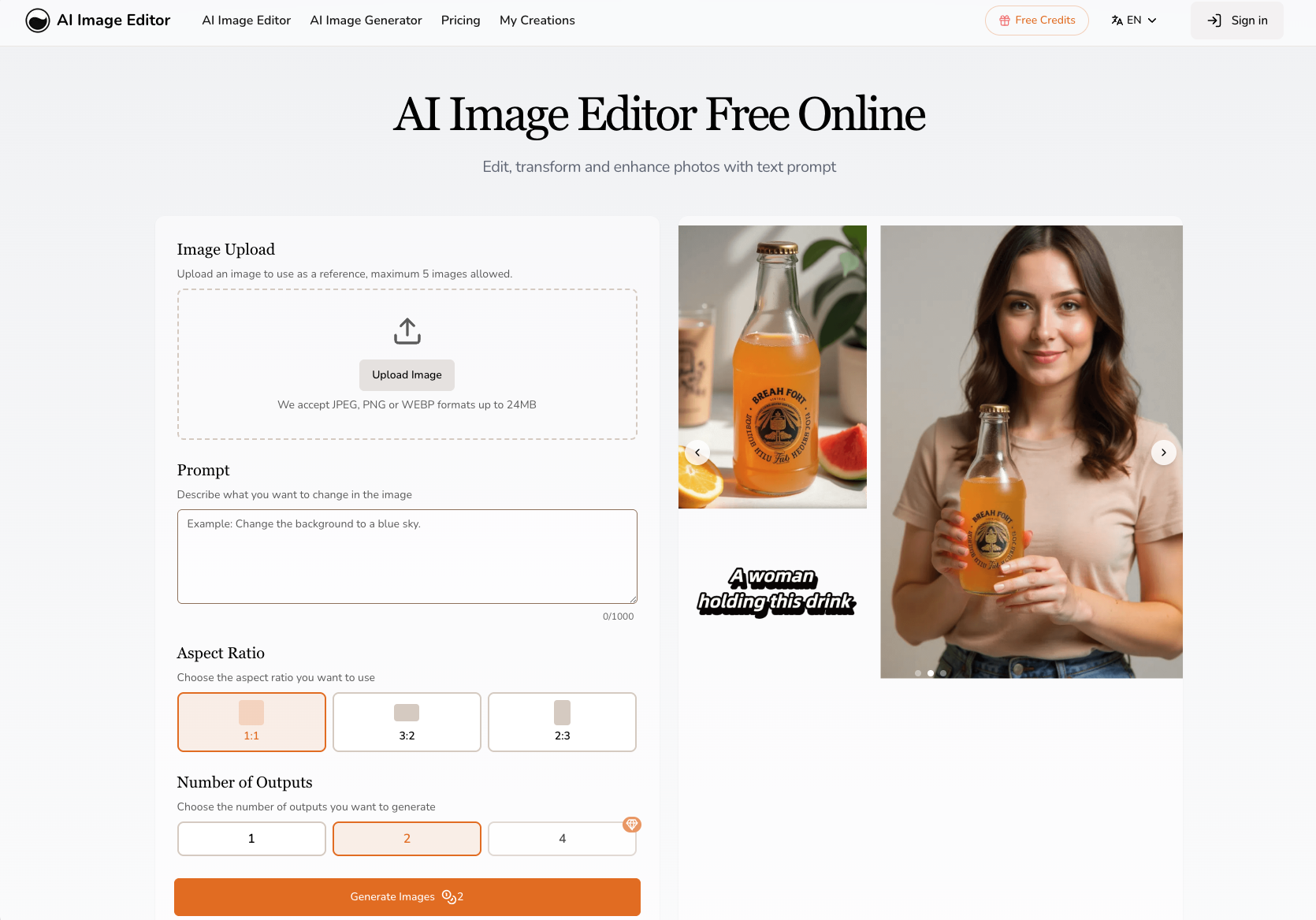
    AI Image Editor is a free online tool that lets you edit, transform, and enhance photos using text prompts. It offers features like character consistency, precision editing, text editing, and style transfer. Users upload an image, describe changes, and generate multiple variations in seconds. The tool supports JPEG, PNG, GIF, and WEBP formats up to 20MB and 4096x4096 pixels. It provides professional-quality output without requiring Photoshop skills.

    AI image editorphoto editingtext-to-image+5
  3. mediaaimediaai logo
    Image Editing

    mediaai

    MediaAI turns selfies, portraits, pet photos, and everyday pictures into oil paintings, cartoons, sketches, watercolor art, headshots, and polished AI images using guided workflows. It offers task-based tools for photo restoration, headshot creation, and artistic transformations without requiring prompt engineering. With over 860,000 art pictures created and a 4.9/5 user rating, it provides practical results for profiles, gifts, social posts, prints, and creative projects.

    AI image generatorphoto to artheadshot generator+12
  4. ARTROBOTARTROBOT logo
    Image Editing

    ARTROBOT

    ArtRobot is an AI-powered tool that transforms photos into stunning paintings using neural style transfer. With over 150 art styles from classical masters like Van Gogh and Monet to modern aesthetics like anime and pixel art, users can create personalized artworks in minutes. The platform offers high-resolution output, cloud storage, and easy sharing options. Trusted by 50K+ active users, it's ideal for artists, designers, and anyone looking to turn memories into masterpieces.

    AI artstyle transferphoto to painting+7
  5. NanoBanana.ioNanoBanana.io logo
    Image Editing

    NanoBanana.io

    Nano Banana is an advanced AI image editing model that lets you edit and enhance photos with natural language prompts. It delivers precise transformations, consistent characters and objects, and seamless visual quality for creative professionals and everyday users. Key features include intelligent prompt understanding, consistent character editing, superior scene preservation, high-resolution rendering, realistic style transformations, and reliable multi-character adjustments.

    AI image editortext-based editingcharacter consistency+6
  6. AIEnhancer.aiAIEnhancer.ai logo
    Image Editing

    AIEnhancer.ai

    AIEnhancer.ai is a free online AI photo enhancer that restores colors, sharpens details, removes noise, and upscales low-resolution images to stunning 4K quality. Trusted by over 1 million users, it offers multiple enhancement modes including resolution upscaling, noise reduction, color correction, and AI-art repair. The tool works entirely in the browser with no downloads required, providing side-by-side previews and high-resolution downloads.

    AI photo enhancerimage upscaler4K upscale+7
  7. Kaze.ai Chat AI image editorKaze.ai Chat AI image editor logo
    Image Editing

    Kaze.ai Chat AI image editor

    Kaze.ai Chat Edit is a browser-based AI image editor that lets you transform and edit photos using simple chat prompts. Remove objects, change colors, restyle scenes, and refine details in seconds. It is 100% free, requires no signup, and is beginner-friendly while delivering studio-quality results. The tool also offers additional features like couple photoshoots, inspiration copying, watermark removal, photo restoration, image expansion, and body editing.

    AI image editorchat editphoto editing+10