AI Tools One-time
ThinkBoxAI
Desktop App 3.8/5 MacWindowsLinux
What is ThinkBoxAI?
Desktop AI client using your own API key. One-time fee, cross-platform, with prompt library and image generation.
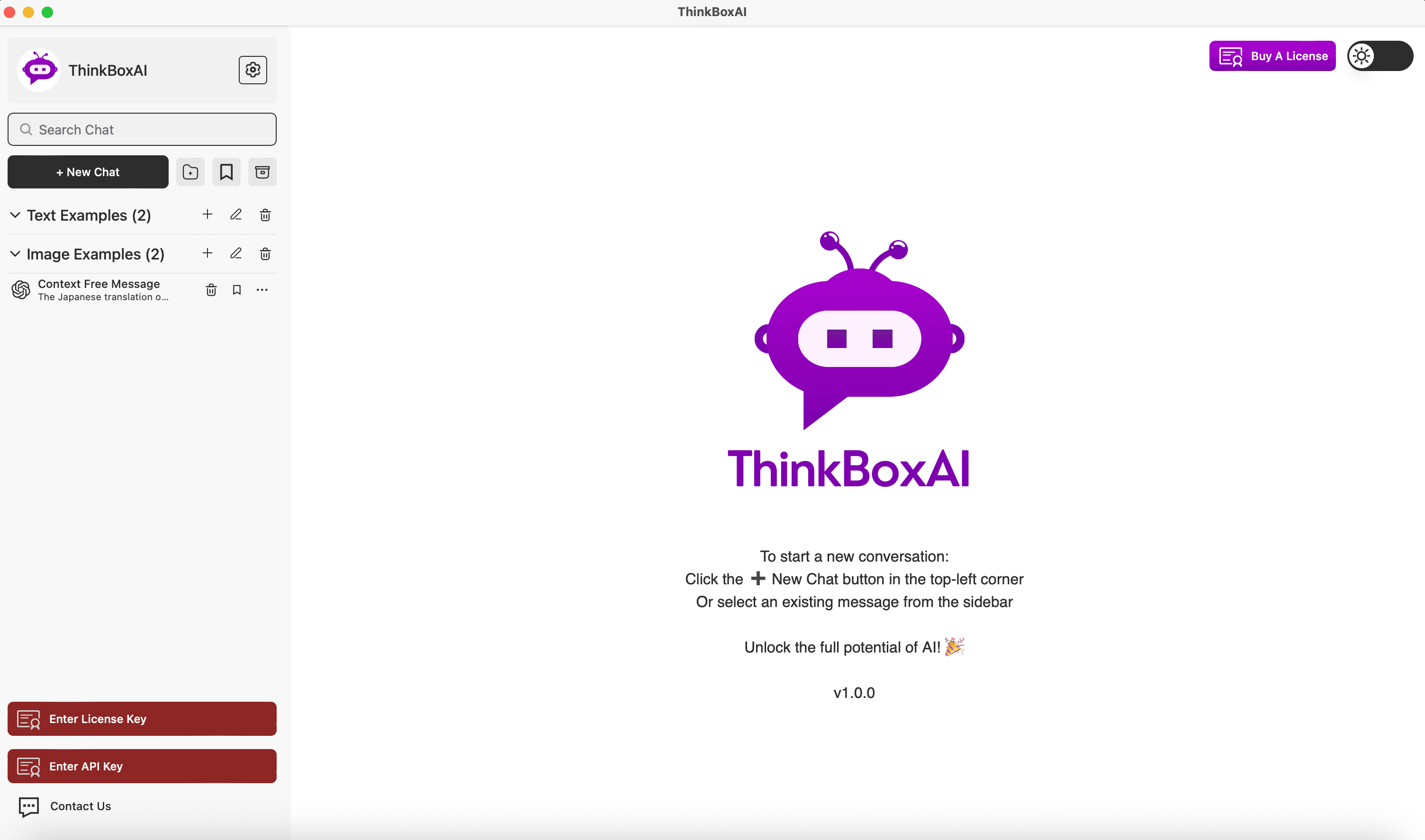
ThinkBoxAI is a desktop client for AI that allows users to access AI models like GPT using their own API keys. It offers a low-cost, one-time payment solution with features such as a prompt library, tone settings, AI agents, and image generation. The client is available for Mac, Windows, and Linux, and ensures user data privacy by not storing chat data.
Key Features
Low cost & easy to use
Pay as you go (API key)
Customise GPT output by advanced settings
Ready made prompt library
Image generation
AI agents
Tone settings
Cross-platform (Mac, Windows, Linux)
No chat data stored
Use Cases
Freelance content writers generate articles and social media posts using GPT, reducing writing time by half.
Students research and summarize academic papers by querying GPT through the client, improving study efficiency.
Marketers create personalized email campaigns and ad copy with customizable tone settings, boosting engagement rates.
Developers test and iterate on GPT prompts using the advanced settings, fine-tuning outputs for specific applications.
Small business owners automate customer support responses by leveraging the prompt library, saving hours weekly.
Designers generate visual concepts with the image generation feature, accelerating the creative brainstorming process.
Remote teams collaborate on document drafting by sharing prompts and outputs, ensuring consistent quality across projects.
AI clientGPTOpenAIdesktop appprompt libraryimage generationproductivitycross-platform
Alternatives
Frequently asked questions
- What is ThinkBoxAI used for?
- ThinkBoxAI is used for Freelance content writers generate articles and social media posts using GPT, reducing writing time by half.; Students research and summarize academic papers by querying GPT through the client, improving study efficiency.; Marketers create personalized email campaigns and ad copy with customizable tone settings, boosting engagement rates.; Developers test and iterate on GPT prompts using the advanced settings, fine-tuning outputs for specific applications.; Small business owners automate customer support responses by leveraging the prompt library, saving hours weekly..
- What are alternatives to ThinkBoxAI?
- Alternatives to ThinkBoxAI include ChatGPT, Claude, Google Gemini. See the full ranked list of ThinkBoxAI alternatives on ContentBuffer.
Opens in a new tab on ThinkBoxAI website.
Comments
Subscribe to join the conversation...
Be the first to comment
Discover more AI tools like this
Get the best AI tools, news, and resources delivered weekly.
Join 3,568 builders reading daily.
Also get