Sketch To Image
What is Sketch To Image?
Turn your sketches into stunning AI-generated art with multiple styles, upscaling, and video generation.
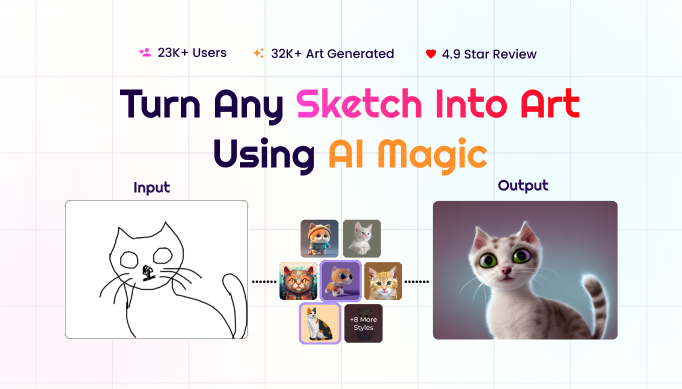
Sketch To Image transforms any sketch into stunning images using AI magic. Users can paint or upload a sketch, add a prompt, select from multiple styles (Hyper Realistic, Anime, Retro Comic, Studio Ghibli, Pixel Art, Cyberpunk, etc.), and generate high-quality artwork. The tool also offers upscaling up to 8x and image-to-video generation. It is used for reimagining kids' art, architectural design, interior design, and texturing 3D models. Pricing is subscription-based with credit usage.
Key Features
Use Cases
Frequently asked questions
- What is Sketch To Image used for?
- Sketch To Image is used for Parents transform their children's doodles into polished digital art in various styles, creating memorable keepsakes or gifts.; Architects convert hand-drawn building sketches into realistic visualizations with a single click, speeding up client presentations.; Interior designers turn rough layout sketches into photorealistic room renders, enabling clients to visualize the final design instantly.; Game developers texture 3D models by uploading concept sketches and selecting a style, reducing manual texturing time.; Marketers generate unique visual content from simple sketches for social media posts, enhancing engagement without hiring designers..
- What are alternatives to Sketch To Image?
- See the ranked list of Sketch To Image alternatives in the Image Generation category on ContentBuffer.
Opens in a new tab on Sketch To Image website.
Comments
Be the first to comment
Discover more AI tools like this
Get the best AI tools, news, and resources delivered weekly.
Join 3,568 builders reading daily.