MP3 to Text
What is MP3 to Text?
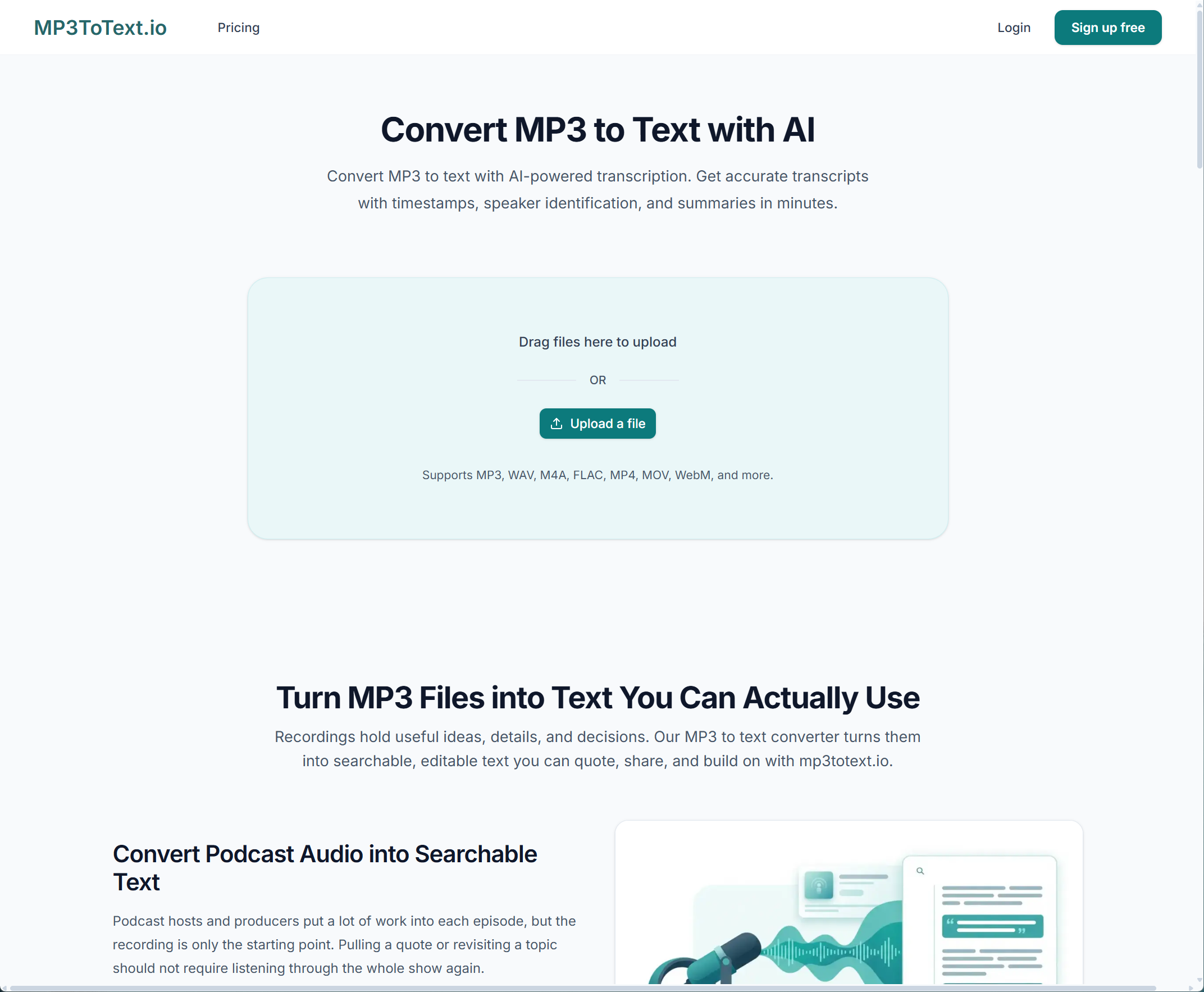
Free online MP3 to text converter with file upload and link transcription, plus timestamps, speaker labels, and flexible exports.
【Overview】 MP3 to Text (mp3totext.io) is an online AI speech-to-text tool that helps users convert MP3, WAV, M4A, MP4, and other audio/video files into editable, searchable text. No software installation is required—everything runs in the browser. 【Core Features】 · Free online transcription: Try instantly as a guest; create a free account to save history and unlock a higher daily allowance · File upload + link import: Upload local files or paste media links (such as YouTube) to start transcription · Broad format support: Works with common formats including MP3, WAV, M4A, FLAC, MP4, MOV, and WebM · 150+ languages: Auto-detect or manually select the spoken language · Timestamps and speaker labels: Produce structured transcripts that are easy to search, quote, and review · AI enhancements: Generate summaries and mind maps to understand long recordings faster · In-browser editing: Edit segments and use search-and-replace across the full transcript · Flexible export: Export to TXT, PDF, DOCX, CSV, SRT, VTT, and more for subtitles, documents, and research notes · Subtitle generation: Create SRT/VTT subtitle files for video production workflows 【Who It Is For】 · Podcasters, video creators, and social media teams · Journalists, editors, and media production teams · Students, teachers, and researchers · Professionals who need meeting notes, interview transcripts, and business documentation 【Use Cases】 · Turn podcasts, interviews, and lecture recordings into written transcripts · Generate subtitles and content assets for video production · Organize meetings, talks, and interviews more efficiently · Extract key points from long audio with summaries and mind maps · Repurpose audio into articles, reports, newsletters, and research notes
Key Features
Use Cases
Frequently asked questions
- What is MP3 to Text used for?
- MP3 to Text is used for Turn podcasts, interviews, and lecture recordings into written transcripts.
- What are alternatives to MP3 to Text?
- See the ranked list of MP3 to Text alternatives in the Transcription category on ContentBuffer.
Opens in a new tab on MP3 to Text website.
Comments
Be the first to comment
Discover more AI tools like this
Get the best AI tools, news, and resources delivered weekly.
Join 3,568 builders reading daily.