
Productivity Freemium
edraw ai
Web Application 4.3/5 WebWindowsMacLinuxiOSAndroid
What is edraw ai?
AI-powered visual collaboration platform with 40+ AI tools and templates for diagrams, mind maps, and flowcharts.
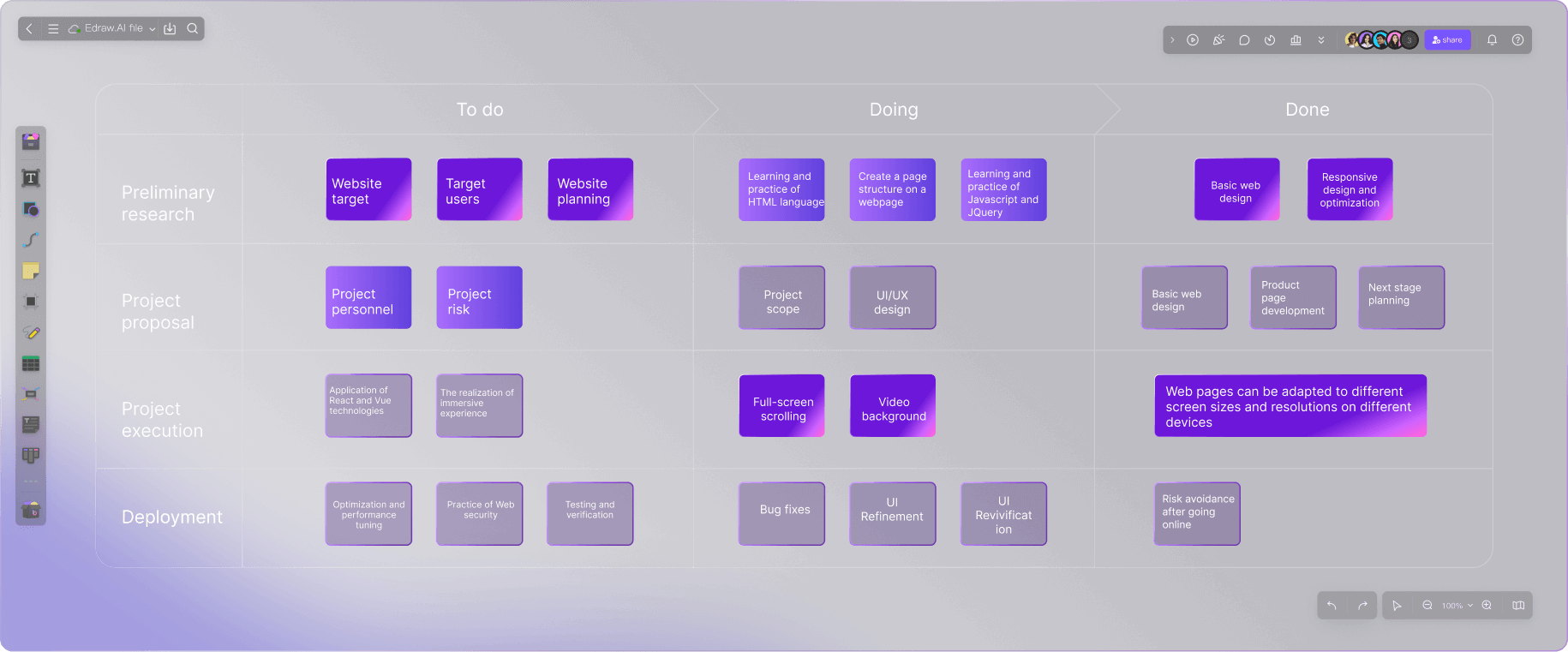
Edraw.AI is an AI-powered visual collaboration platform that enables users to create diagrams, mind maps, flowcharts, and more using 40+ AI tools and 700+ templates. It supports real-time collaboration, data security with 256-bit SSL encryption, and is trusted by over 30 million users globally. The platform is designed for teams in project management, research, engineering, marketing, consulting, education, and IT.
Key Features
AI diagram generation
AI mind map creation
AI file analysis
AI drawing
AI chat
700+ templates
26000+ symbols
Real-time collaboration
Export multiple formats
Cloud storage
256-bit SSL encryption
GDPR compliant
Beginner-friendly interface
Personal templates
Cross-platform access
Use Cases
Project managers create Gantt charts from templates to plan and track project milestones, improving timeline visibility and team coordination.
Marketing teams brainstorm campaign strategies using collaborative mind maps, generating visual roadmaps that align cross-functional efforts.
Engineers develop system architecture diagrams and flowcharts to visualize complex processes, enabling faster iteration and clearer documentation.
Researchers convert complex data into clear diagrams and timelines, facilitating better analysis and presentation of findings.
Educators engage students with AI-generated diagrams and mind maps, making abstract concepts easier to understand and retain.
IT teams visualize network topologies and troubleshoot issues collaboratively in real time, reducing downtime and improving response times.
Consultants map out business processes and identify bottlenecks using flowcharts, delivering actionable recommendations to clients.
AIdiagrammind mapflowchartcollaborationwhiteboardbrainstormingproject managementtemplatesreal-timevisualizationGantt chartUMLblueprintteamwork
Alternatives
Frequently asked questions
- Is edraw ai free?
- edraw ai offers a free trial.
- What is edraw ai used for?
- edraw ai is used for Project managers create Gantt charts from templates to plan and track project milestones, improving timeline visibility and team coordination.; Marketing teams brainstorm campaign strategies using collaborative mind maps, generating visual roadmaps that align cross-functional efforts.; Engineers develop system architecture diagrams and flowcharts to visualize complex processes, enabling faster iteration and clearer documentation.; Researchers convert complex data into clear diagrams and timelines, facilitating better analysis and presentation of findings.; Educators engage students with AI-generated diagrams and mind maps, making abstract concepts easier to understand and retain..
- What are alternatives to edraw ai?
- Alternatives to edraw ai include Lucidchart, Miro, Mural, Draw.io, Canva. See the full ranked list of edraw ai alternatives on ContentBuffer.
Opens in a new tab on edraw ai website.
Comments
Subscribe to join the conversation...
Be the first to comment
Discover more AI tools like this
Get the best AI tools, news, and resources delivered weekly.
Join 3,570 builders reading daily.
Also get